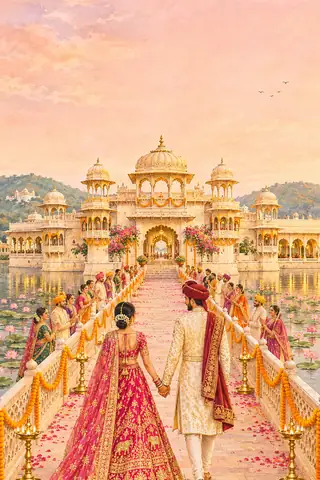





I · Rajasthani wedding
Rajwada
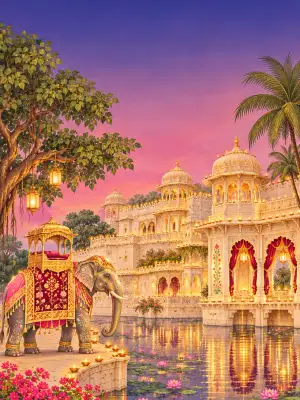
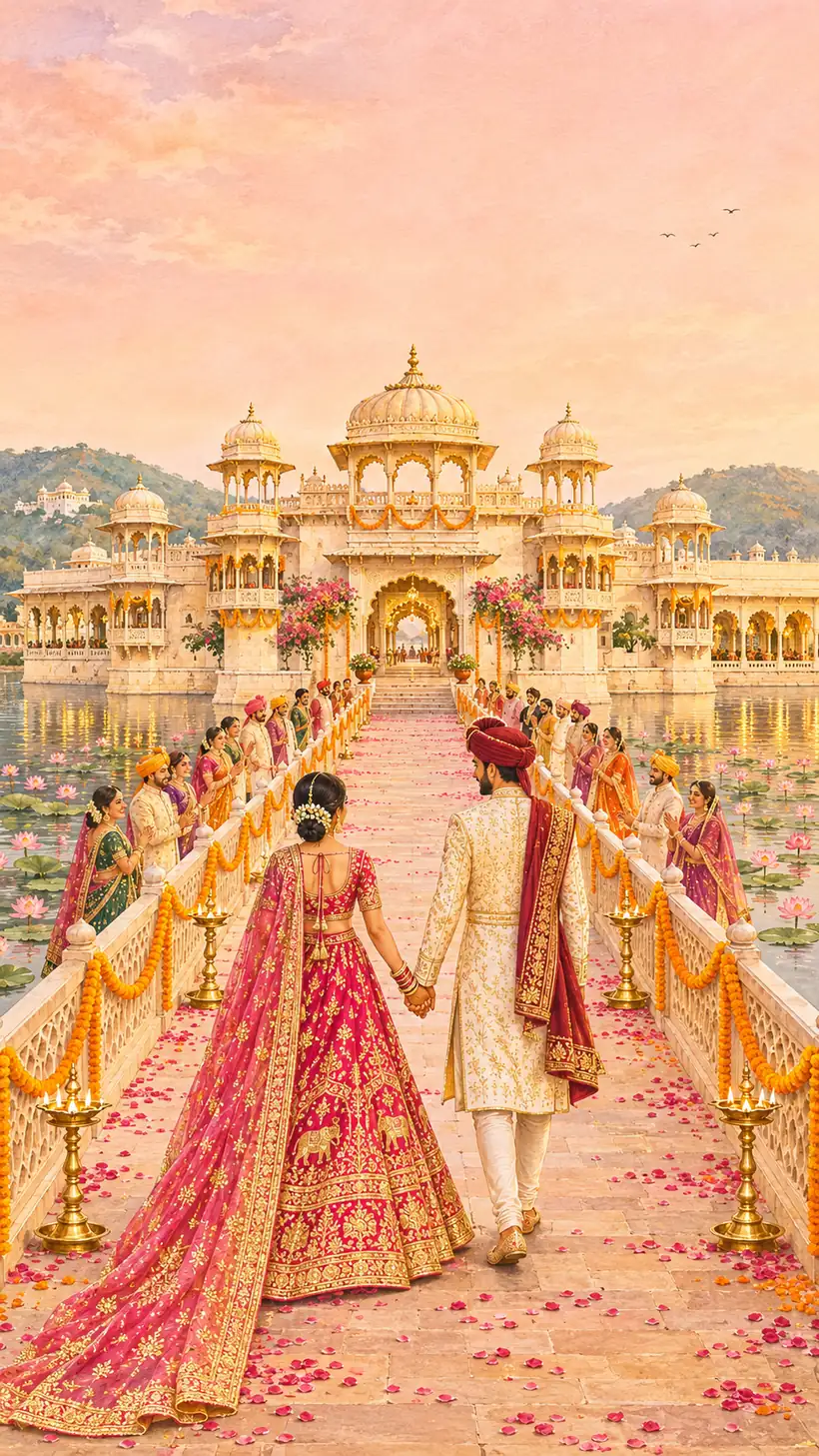
A lake palace at dawn, marigold torans and a royal elephant at dusk.
Eight wedding editions · one for each tradition
Pick your tradition, add every function, and share one link. Each family sees its own invitation and replies in a tap.
Your Love Page · Wedding editions
Each edition is drawn for one of India’s great wedding traditions. Your families open it from WhatsApp, see the functions they are invited to, and reply in a tap.
I · Rajasthani wedding
A lake palace at dawn, marigold torans and a royal elephant at dusk.
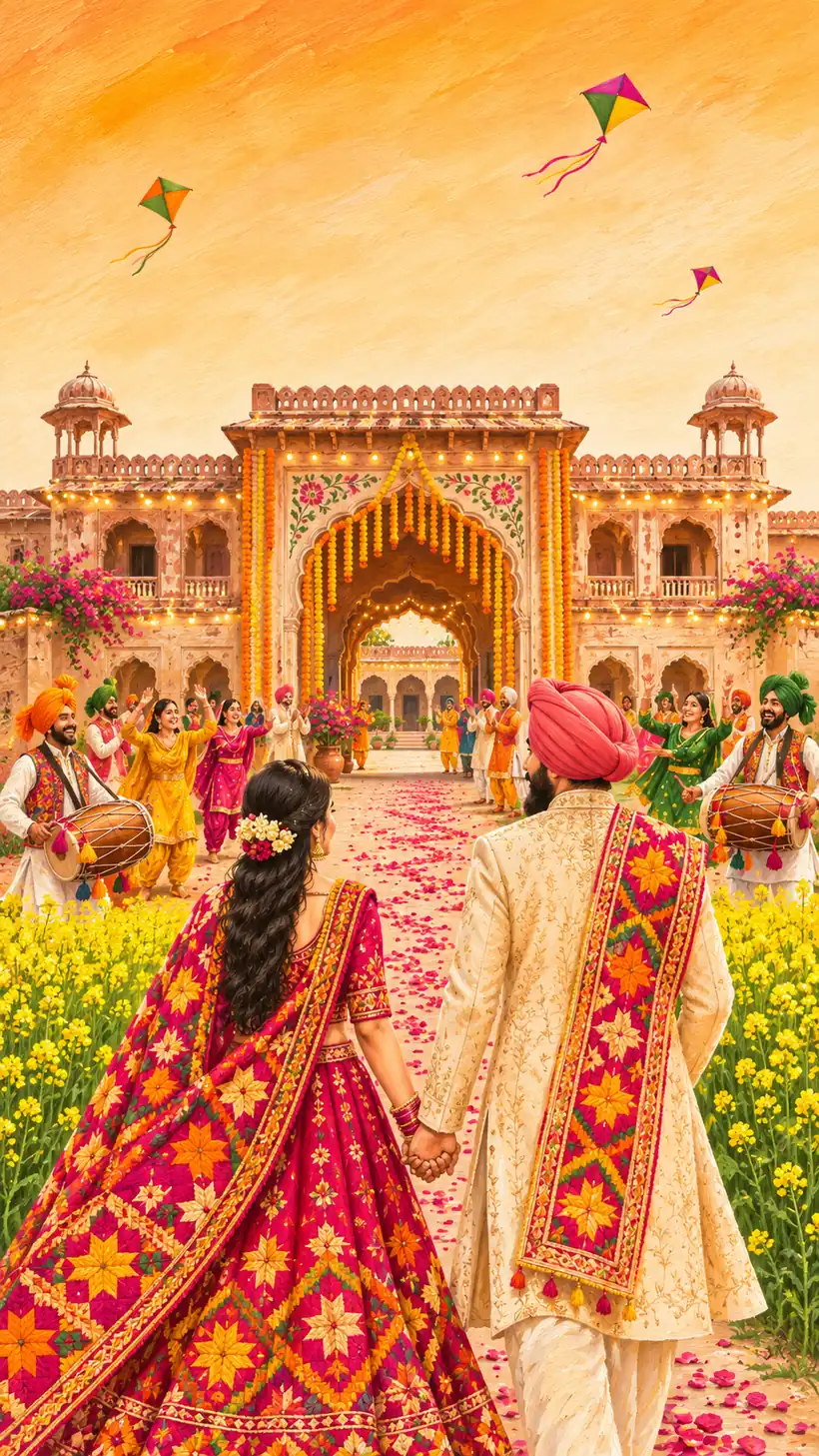
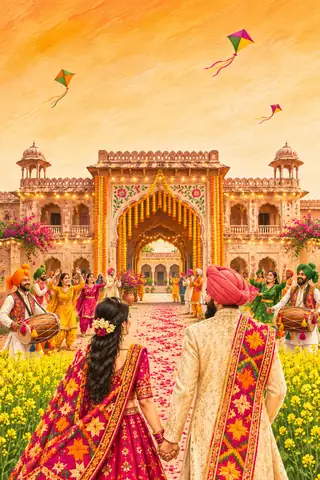
II · Punjabi wedding
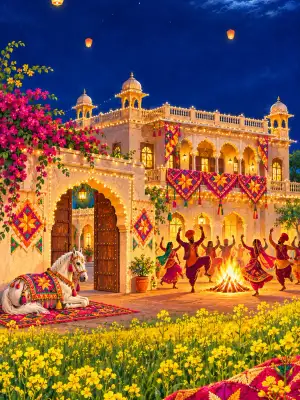
Mustard fields, a haveli gate, dhol at the doorstep and a white ghodi.
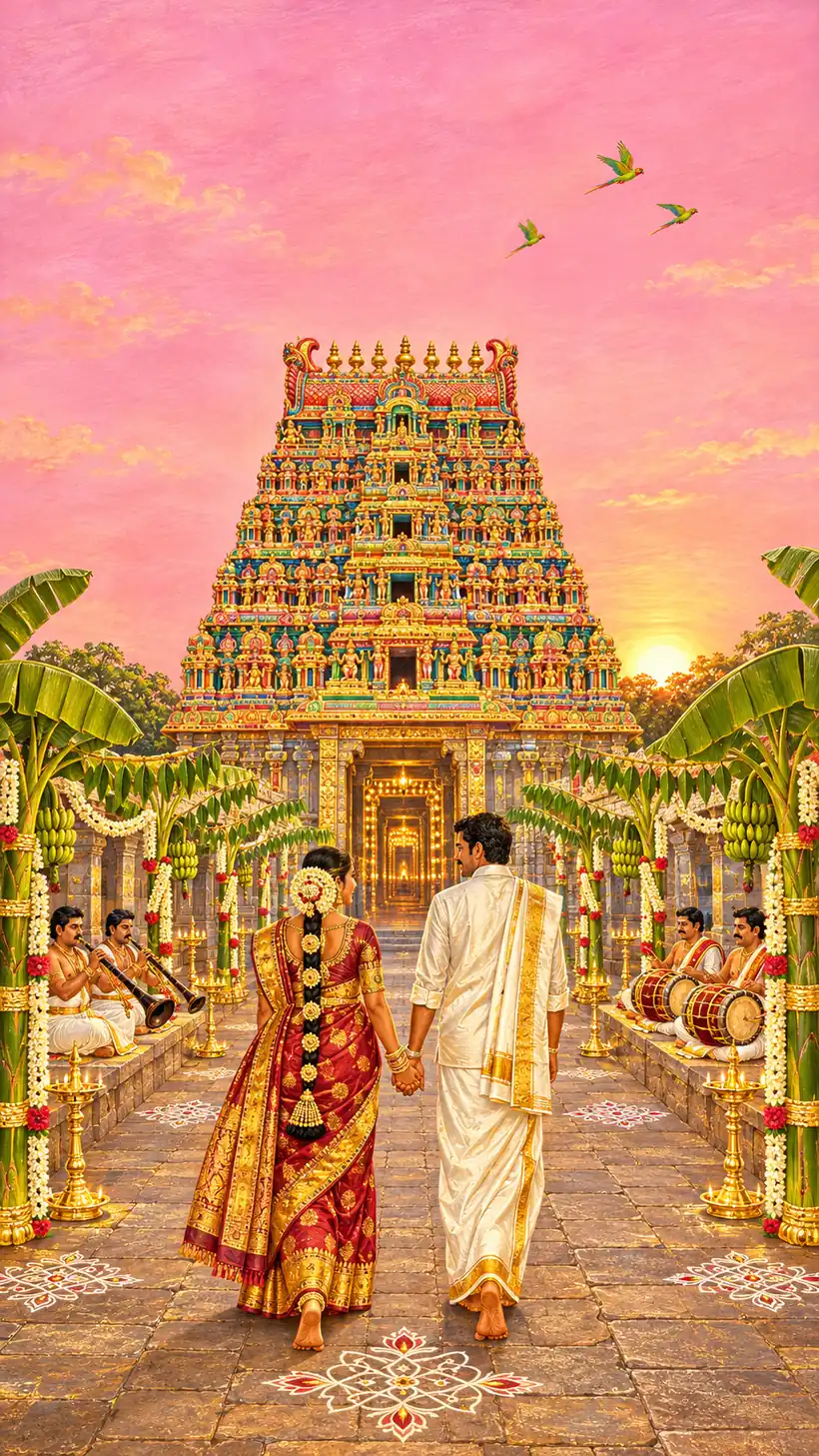
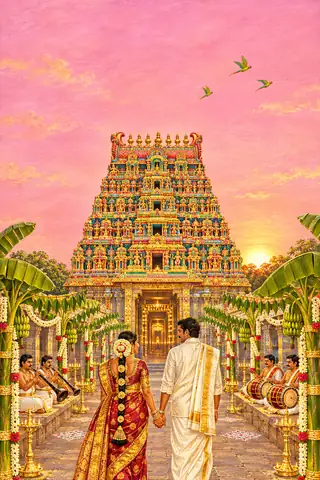
III · South Indian wedding
A temple gopuram at sunrise, jasmine, nadaswaram and a thousand lamps.
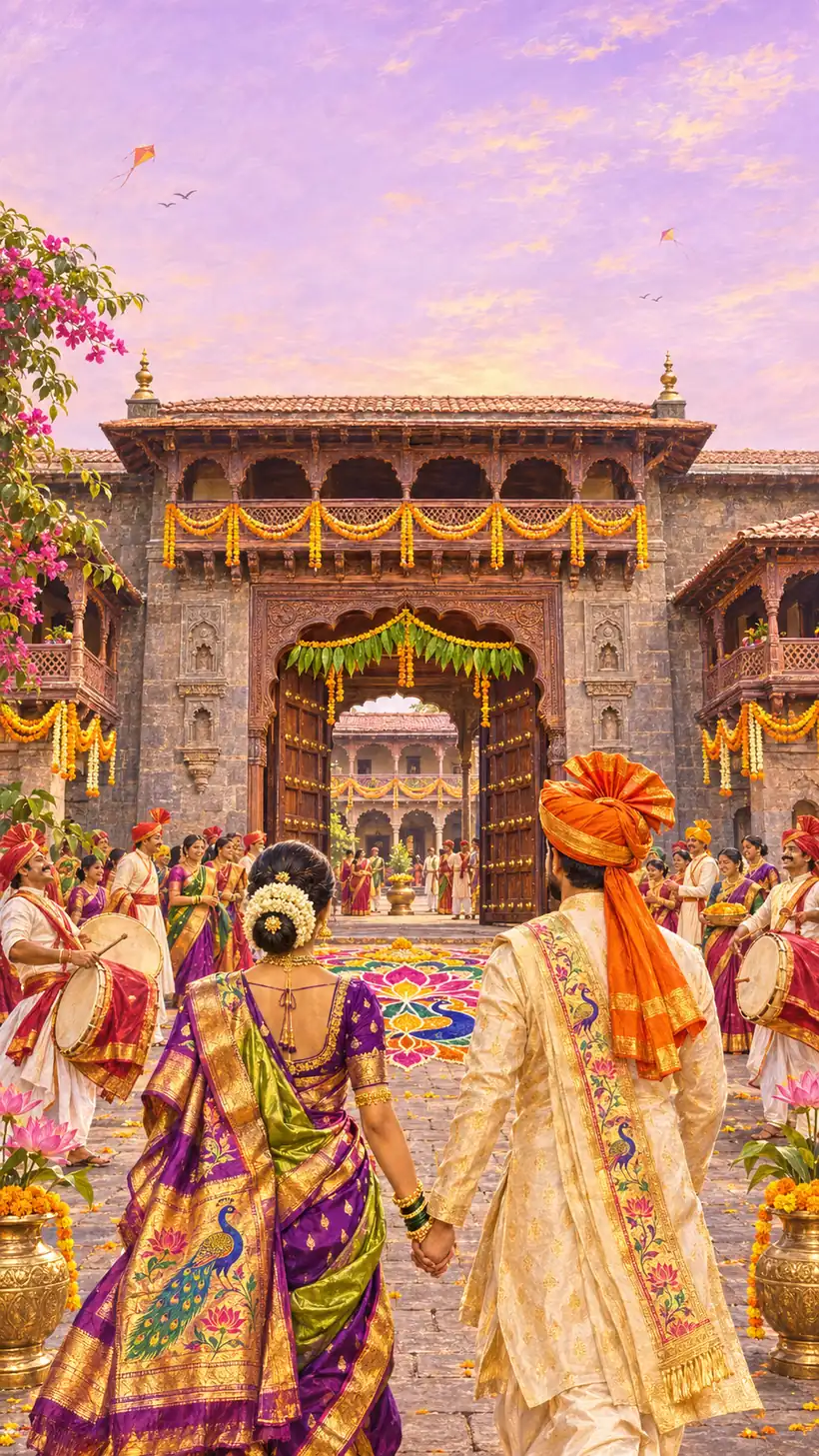
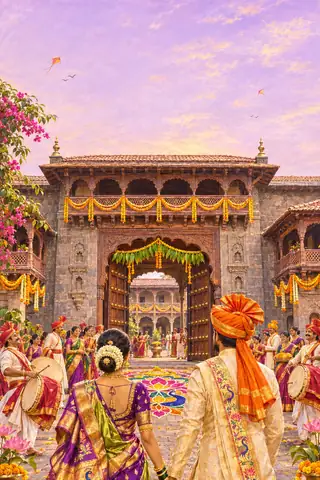
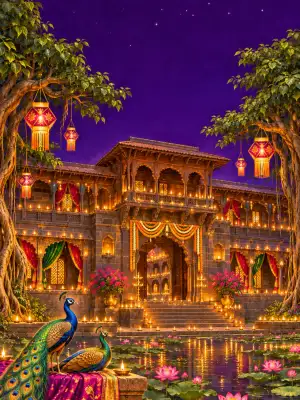
IV · Marathi wedding
A Peshwa wada, dhol-tasha, rangoli and peacocks by the lotus pond.

V · Bengali wedding
A rajbari on the river, conch shells, shola crowns and floating diyas.
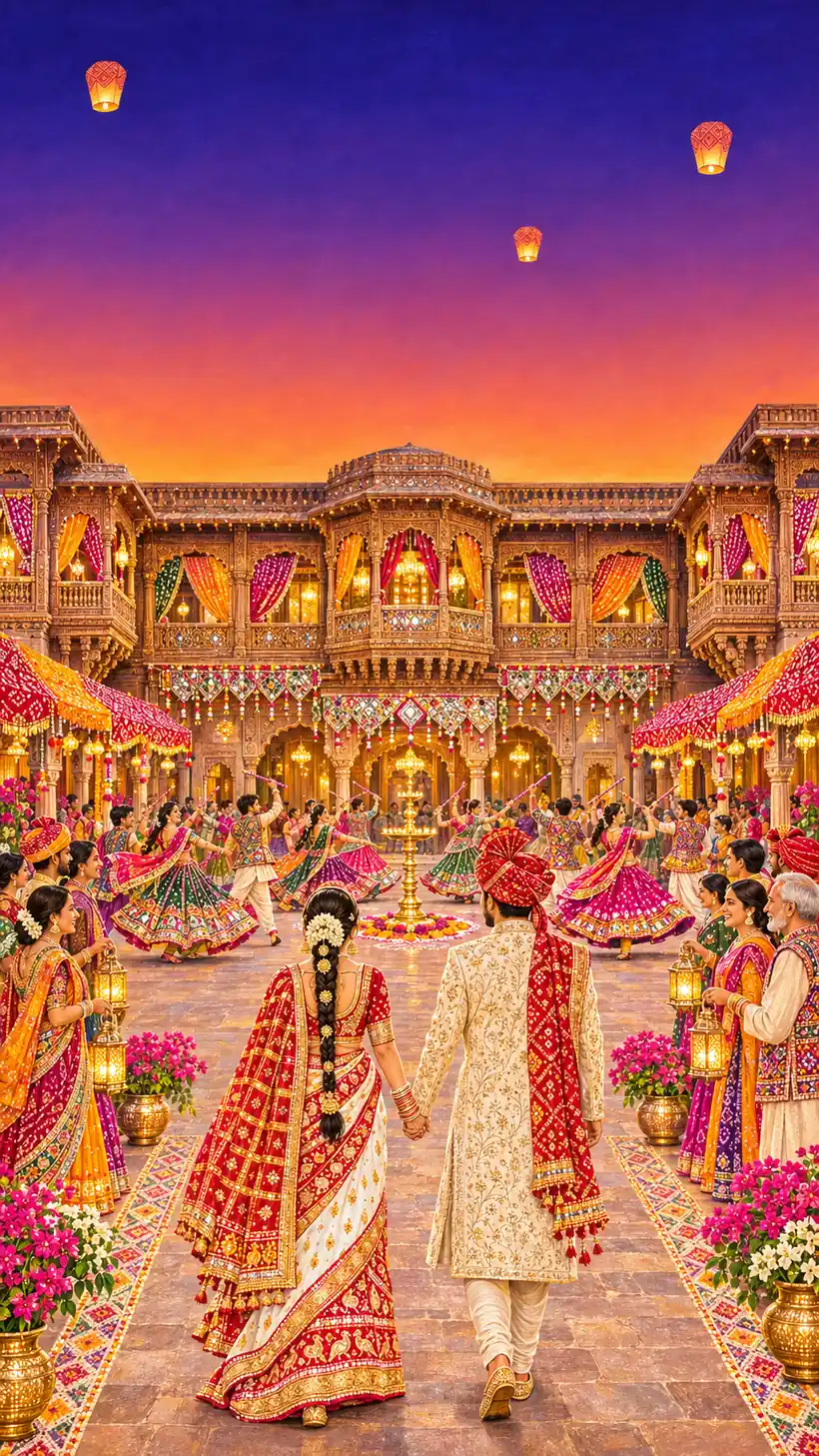
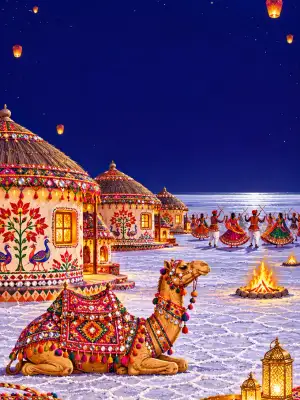
VI · Gujarati wedding
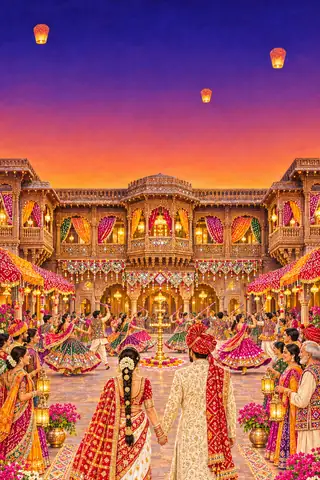
A carved haveli, mirror-work torans, garba under lanterns and the white Rann.
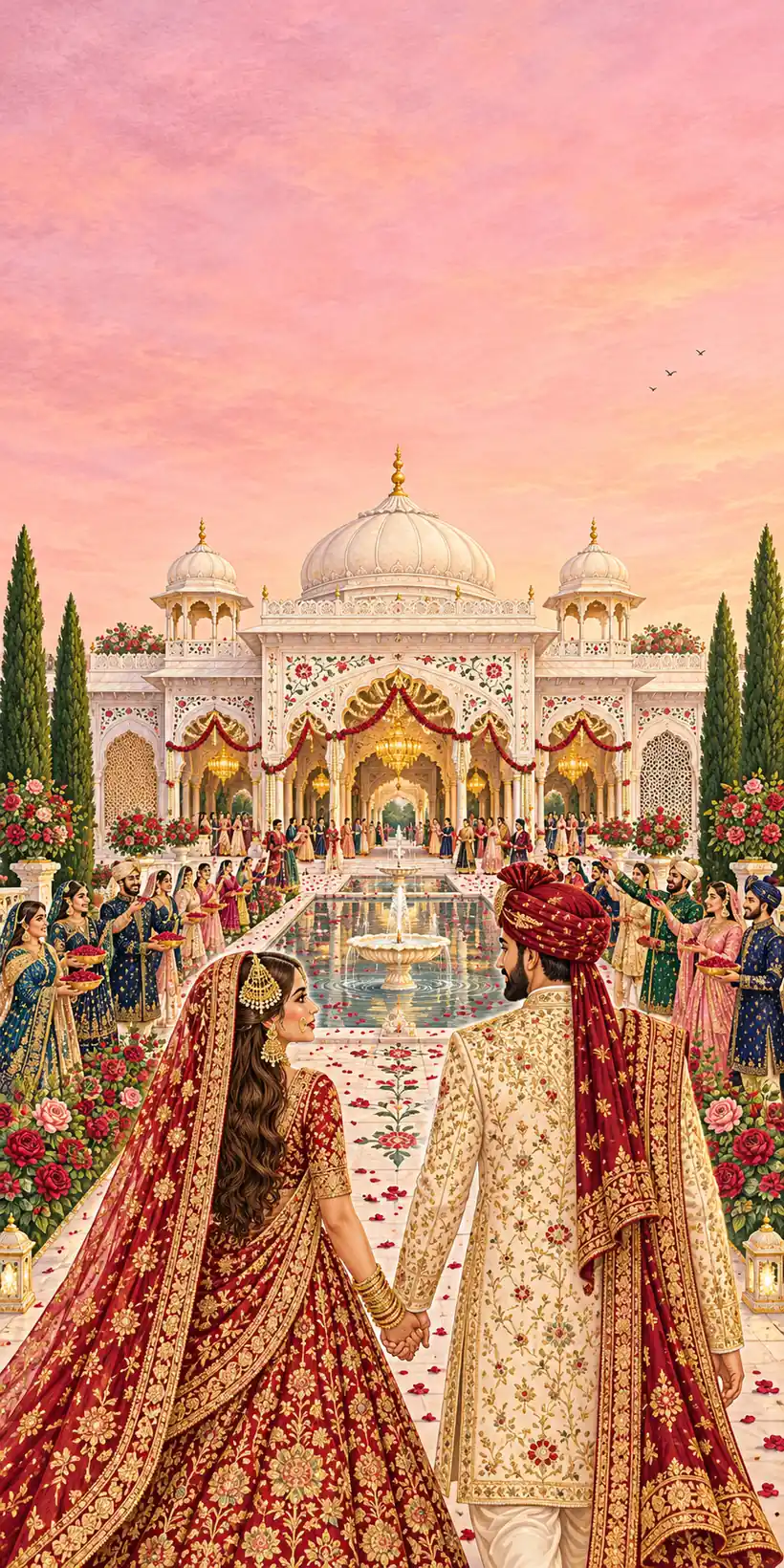
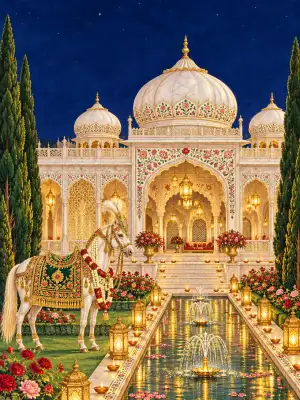
VII · Muslim wedding · Nikah
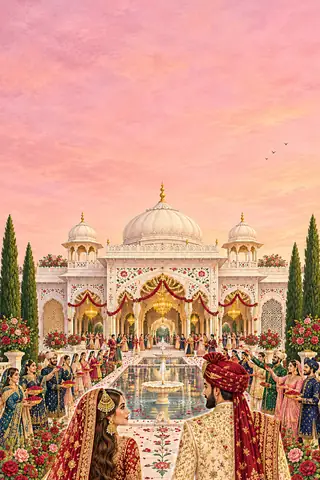
A marble palace garden, jasmine and roses, lanterns over the fountains and a white baraat horse.

VIII · Christian wedding
A whitewashed church on the hill, palms and bougainvillea, lilies, lace and candlelight.
Inside every edition
Wax-sealed doors open onto a scene drawn for your tradition, with your names across the sky.
Haldi to reception, each with its own illustration, date, venue, dress code and a map link.
Each household sees its own name and only the functions it is invited to.
Guests answer for each function with headcount and meal choice. You download totals for the caterer.
Ganesha, Ik Onkar, Bismillah or a cross, with the invocation in Devanagari, Gurmukhi, Tamil, Bengali, Gujarati or Arabic.
Moved the sangeet? Edit once and every guest sees the new time on the same link.
From draft to WhatsApp
Open the shelf, browse the invitations and choose the tradition that matches your wedding.
Names, families, functions, venues and photos. Preview every change on a phone as you type.
Share one link with everyone, or a personal link with each family, and watch the replies arrive.
Why families switch
Pricing
₹999 one time
₹2,499 one time
₹4,999 one time
Making and previewing your invitation is free.
Before you ask
A video plays once and cannot change. Your invitation is a link that opens instantly, lists every function with its own map, collects replies, and updates the moment you move a venue or a time.
Yes. Make your invitation and preview it for free. Choose a one-time plan only when you are ready to send it.
Yes, on Premium and Royal. Pick the functions for each household before you share their personal link.
No. The link opens in any browser, including inside WhatsApp, and guests with a personal link reply without signing in.
Yes. Edit the venue or time and publish again. Everyone sees the change on the same link.
Yes. Large type, strong contrast and one simple scroll. Nothing is hidden inside a video.
Yes, on Premium and Royal. Your song starts when the guest opens the invitation, and your photos sit in a swipeable album.
Yes. Give one family member edit access through their verified email. You stay in charge of payment and publishing.
Wording help
Preview it free tonight. Send it to the family tomorrow.
Back to the top